Auto Watchlist
Adds the right people to a task's watch list automatically, from conditions you set once.
Watch lists are useful, and nobody remembers to maintain them. This adds the right people on its own.
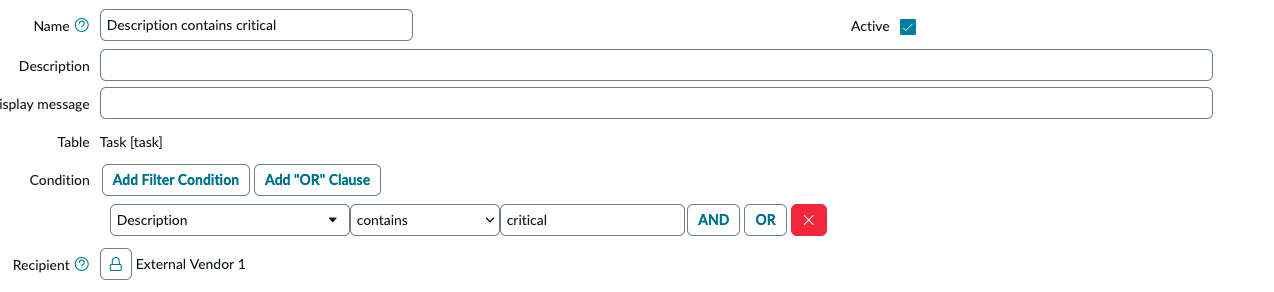
There are two lists to fill in. Recipients are the people or groups who might need to watch something, each one a name and an address. Conditions are the rules, built in the same condition builder you already use for every filter in the platform: pick a field on the task, pick an operator, pick a value, attach a recipient. Anything that matches gets those watchers added, and a work note records that it happened.
Each rule has an active switch, so turning one off for a while does not mean deleting it, and a display message you can use to say why someone was added.
Install
- Import
update_set.xmlthrough System Update Sets, then Retrieved Update Sets. - Preview it and commit it.
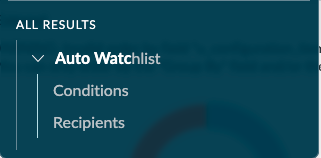
- Open Auto Watchlist in the application navigator and add your conditions.