CWM Copy Automations
Copies automation rules from one CWM board to another instead of rebuilding them by hand.
Boards in Content Workflow Management each carry their own automation rules, and standing up a new board means rebuilding every one of them by hand through the UI.
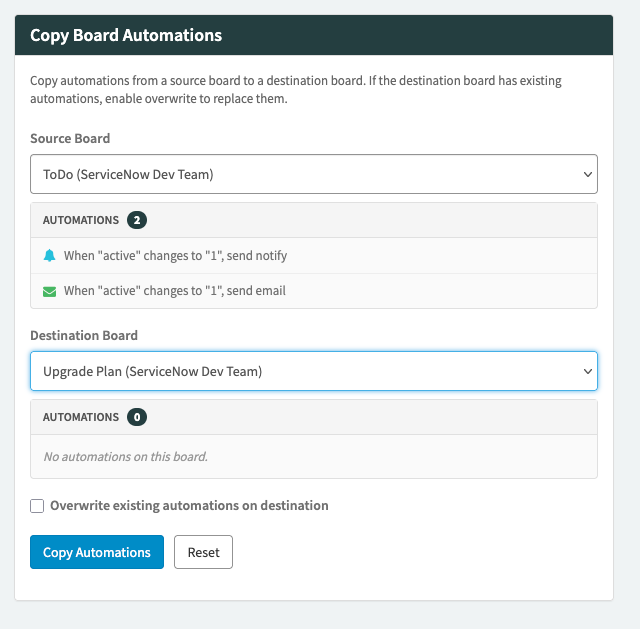
Pick the board to copy from and the board to copy to. Both dropdowns list the boards you can reach, with the space each one belongs to, and each shows what is already on it: every automation written out in plain language, or a note that there are none. Then copy.
The overwrite checkbox deletes the automations on the destination before copying, which is exactly as destructive as it sounds. Leave it off and the copy adds to what is there.
Install
- Import the widget into your instance through the Service Portal widget editor.
- Add it to a Service Portal page or a dashboard.
More apps
Batch Plugin Update Updates every ServiceNow plugin with one waiting, in a single pass instead of one at a time. Auto Watchlist Adds the right people to a task's watch list automatically, from conditions you set once. Catalog Intake A wizard that lets anyone describe the catalog item they need, and a builder that turns their answers into the real item.