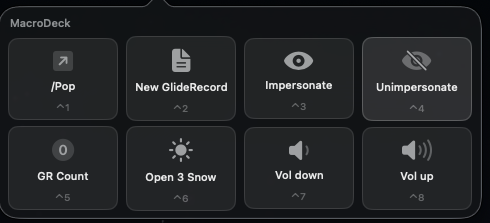
MacroDeck
A grid of buttons in the menu bar that runs the things you keep doing by hand.
- v2.0
- Swift
- 945 KB
- macOS 14 or later
Things I built for myself and kept using. Every one is free, the source is on GitHub, and the download here is the same build I run.
Heads up The Mac apps are signed locally but not notarized by Apple, so macOS blocks the first launch. Open System Settings, go to Privacy & Security, scroll to Security, and press Open Anyway. Each app's page has the one-line terminal version of that.
A grid of buttons in the menu bar that runs the things you keep doing by hand.
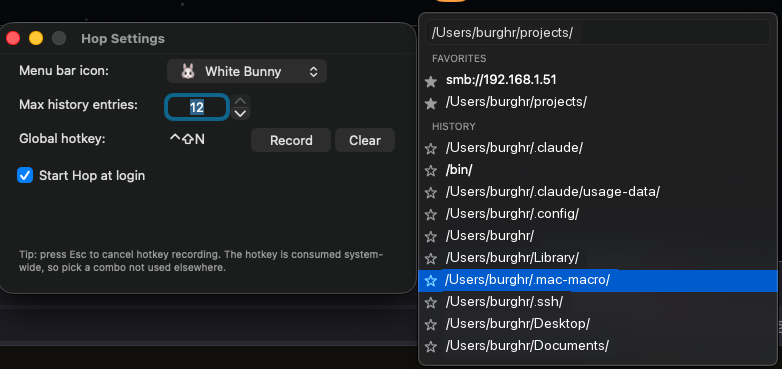
An address bar for Finder. Type a path, press Enter, and Finder is there.
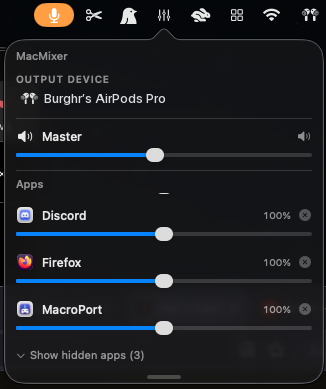
Sets the volume of each app separately, from the menu bar, with no audio driver to install.
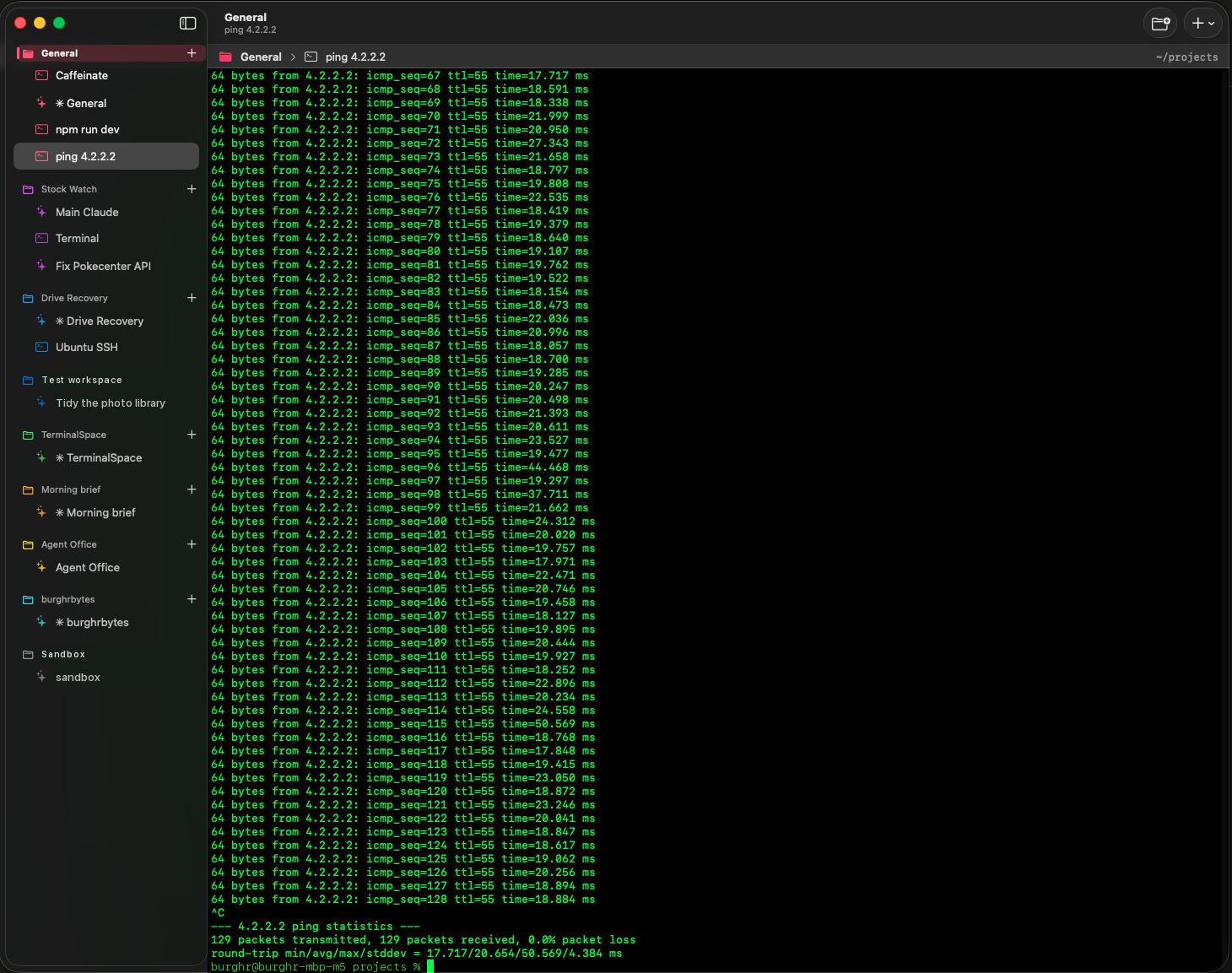
A terminal built around projects, where a workspace keeps its panes, its folder, and its agent session.
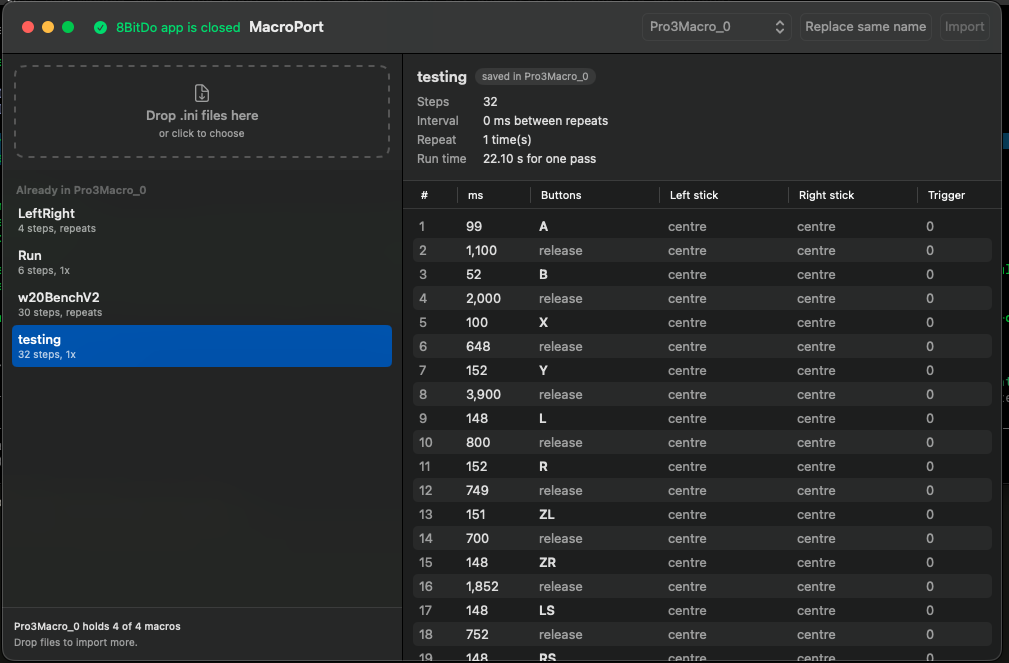
Moves controller macros built on Windows into the Mac 8BitDo app, which cannot import them itself.
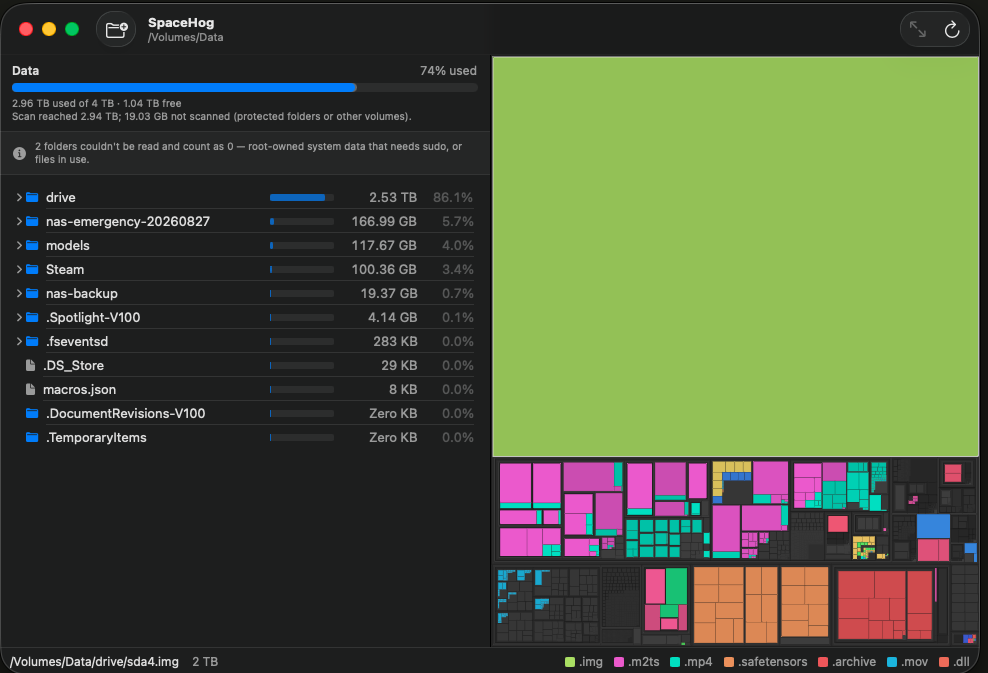
Shows what is eating your disk, as a list sorted biggest first beside a map of your files.
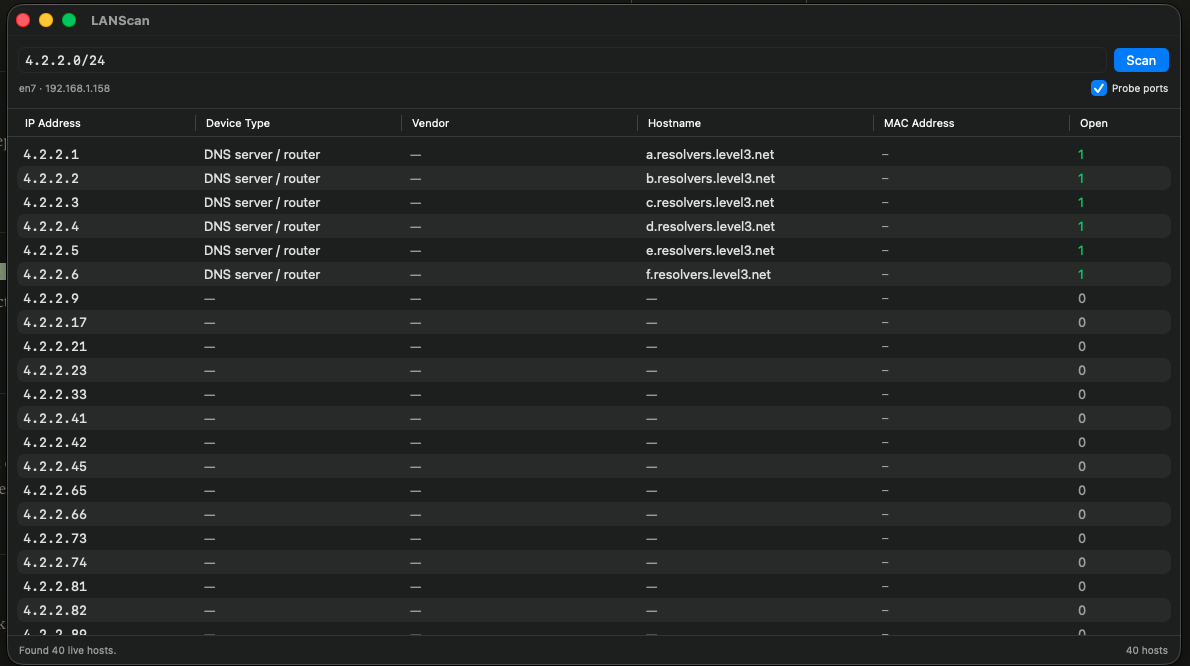
Lists every device on your network, with its address, its name, and who made it.
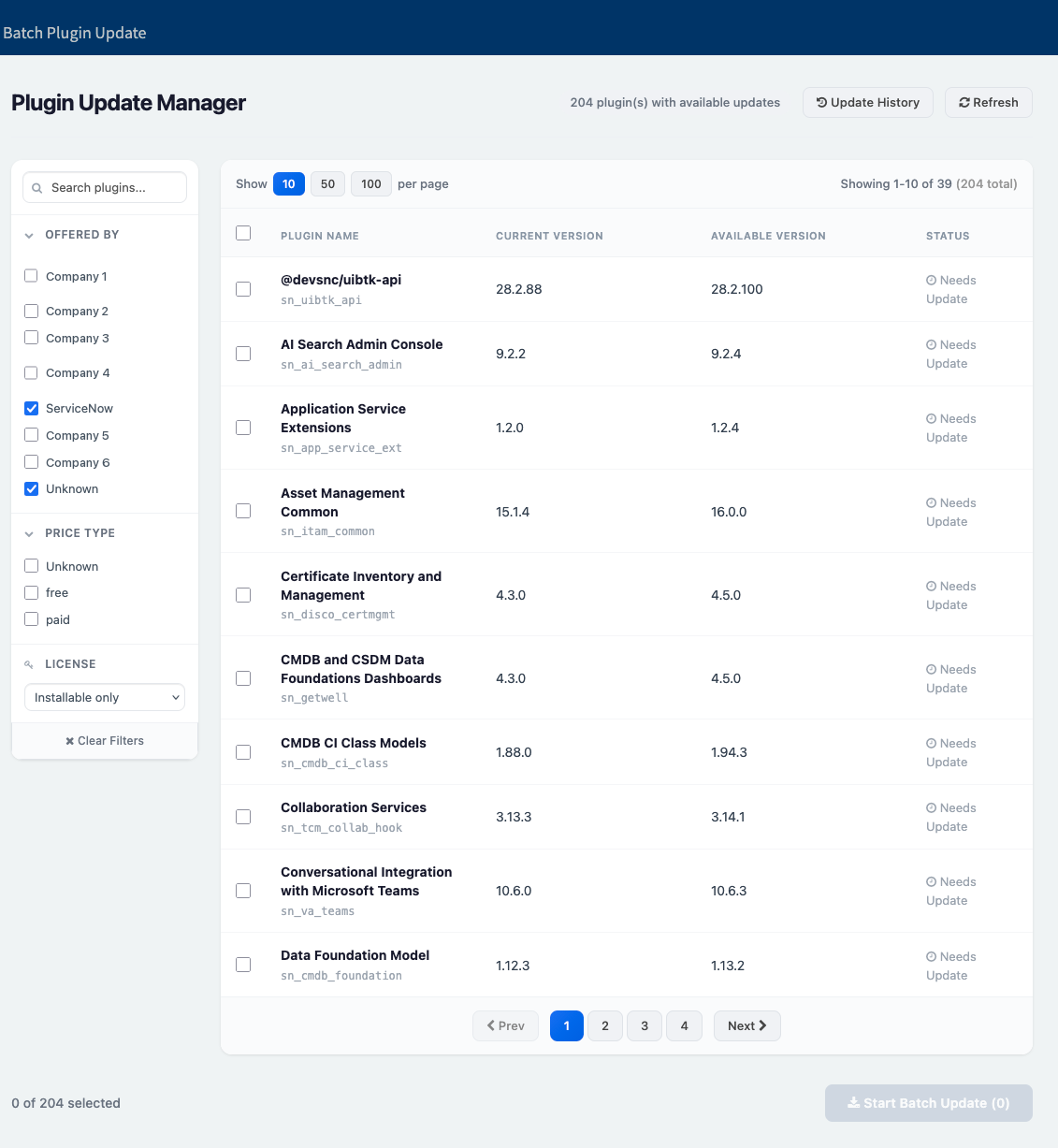
Updates every ServiceNow plugin with one waiting, in a single pass instead of one at a time.
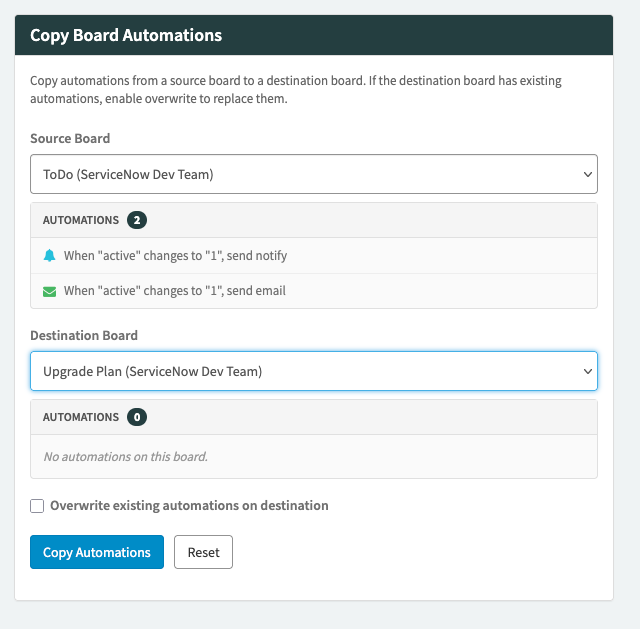
Copies automation rules from one CWM board to another instead of rebuilding them by hand.
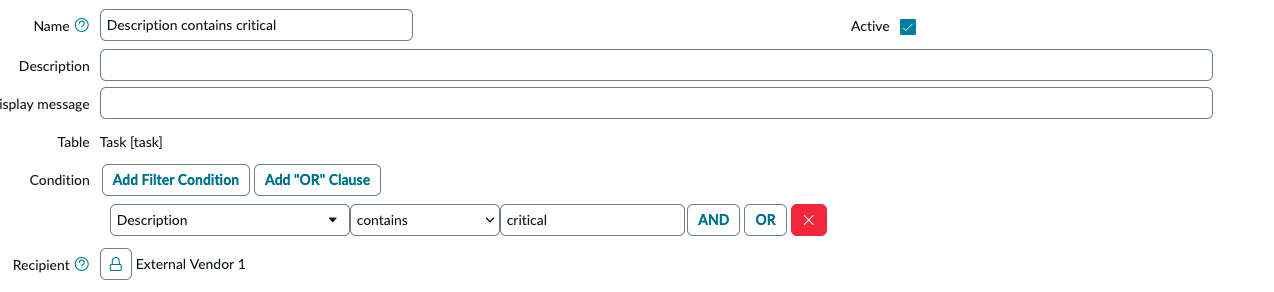
Adds the right people to a task's watch list automatically, from conditions you set once.
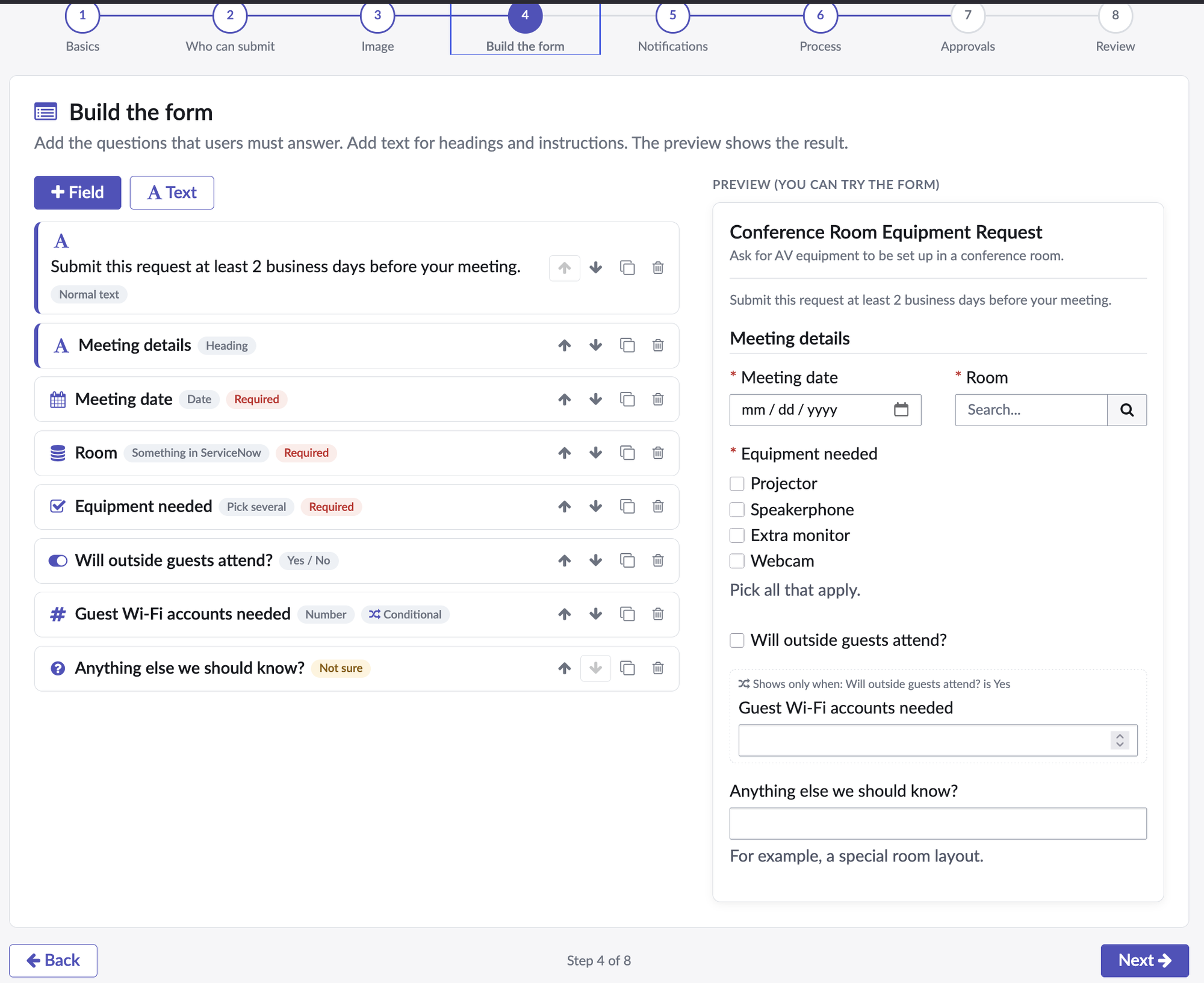
A wizard that lets anyone describe the catalog item they need, and a builder that turns their answers into the real item.
Lets an AI assistant read and change the reminders on your Mac, with nothing leaving the machine.
Lets an AI assistant read your Mac's calendar, and only read it, with nothing leaving the machine.
Budgets by paycheck instead of by month, so you can see what is left after each one.