Cal MCP
Lets an AI assistant read your Mac's calendar, and only read it, with nothing leaving the machine.
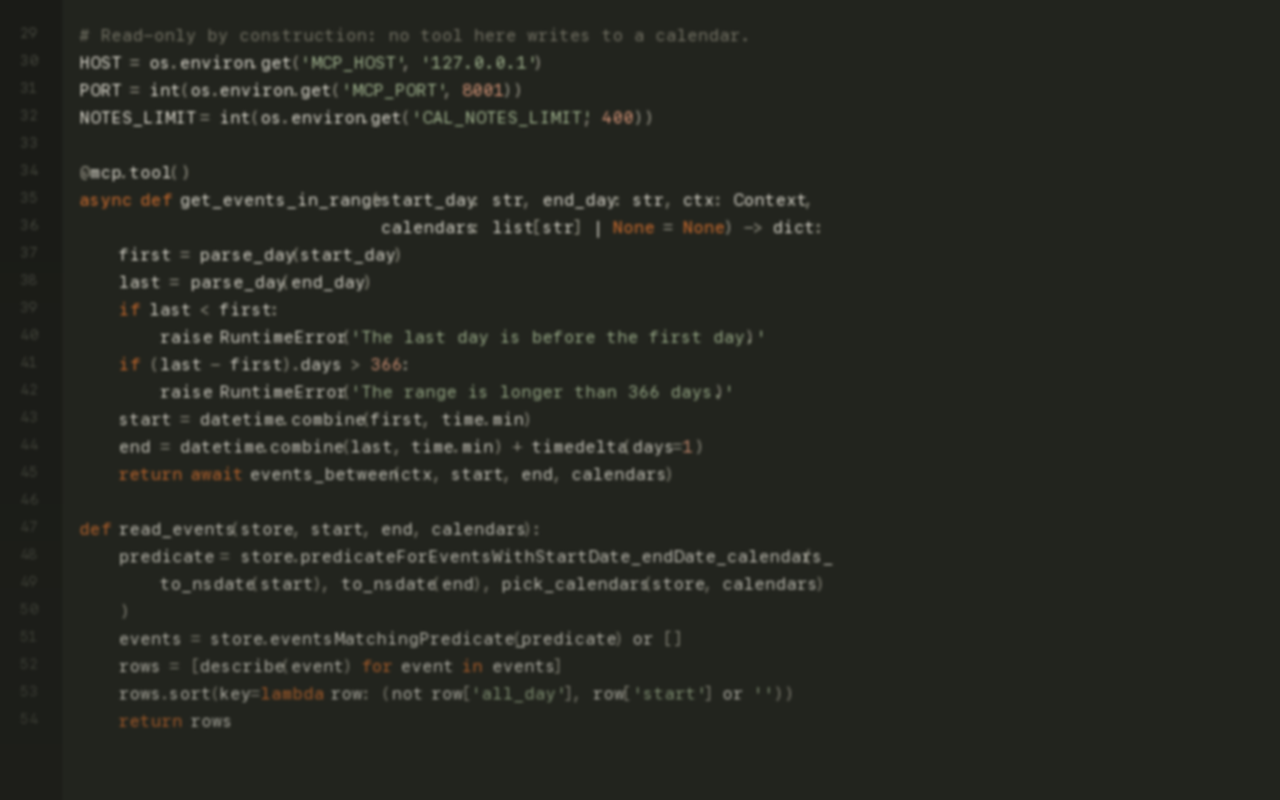
Gives an AI assistant a view of your calendar: what is on today, what is on a given day, and what is on across a span of days. Ask what your afternoon looks like and it answers from the real calendar on your Mac, the same one your phone shows.
It only reads. There is no tool in it that can create, move or delete an event, so the worst it can do is tell you something you already knew.
Nothing goes to a server. It listens on your own machine, your events stay on it, and macOS asks for calendar permission the first time like it would for any other app.
Install
- Clone the repo.
- Create the environment and install what it needs:
python3 -m venv .venv
source .venv/bin/activate
pip install -r requirements.txt- Start it:
python server.py- Point your assistant at it. For Claude Code that is one command:
claude mcp add --transport http cal-mcp http://127.0.0.1:8001/mcpmacOS asks for calendar access the first time the server starts. Approve it, or the server has nothing to read.