LANScan
Lists every device on your network, with its address, its name, and who made it.
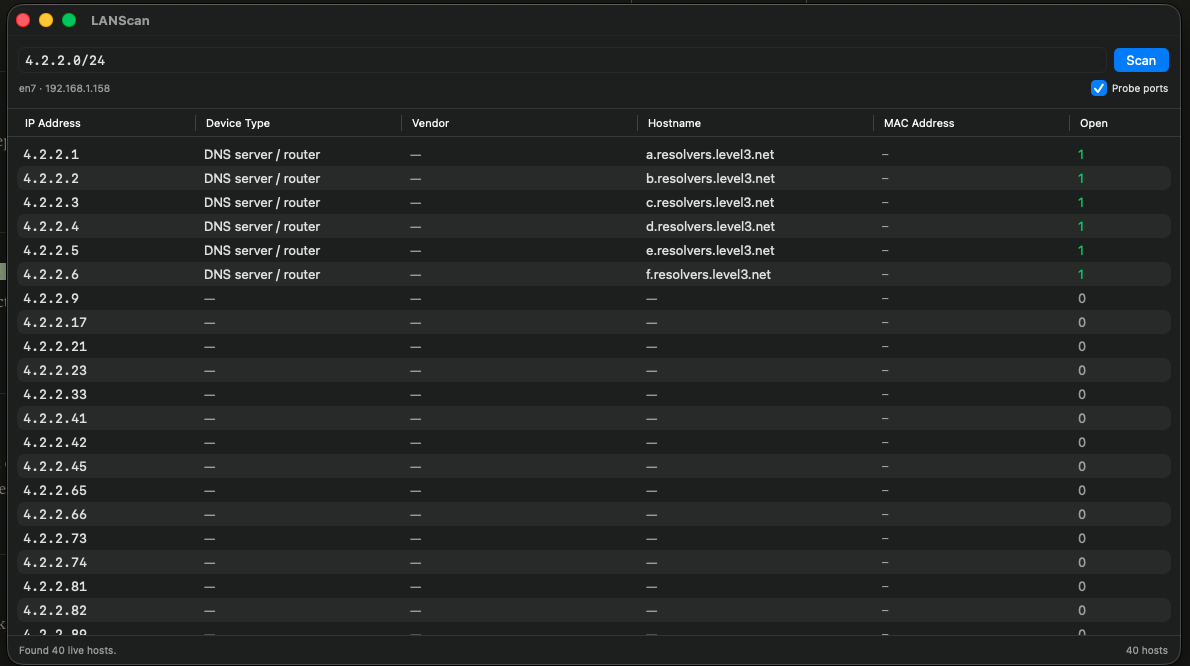
Answers the question every home network eventually raises: what is actually connected to this thing. Run it and you get every device on the network, with its address, its name where there is one, and who made it.
Useful when a new device shows up, when something is using bandwidth, or when you want to know whether the TV really is off the network.
Install
- Download the zip and unzip it.
- Drag LANScan to your Applications folder.
- The first launch is blocked, because the app is signed but not notarized. Open System Settings, go to Privacy & Security, scroll to Security, and press Open Anyway. On macOS 14 you can right-click the app and choose Open instead.