MacroPort
Moves controller macros built on Windows into the Mac 8BitDo app, which cannot import them itself.
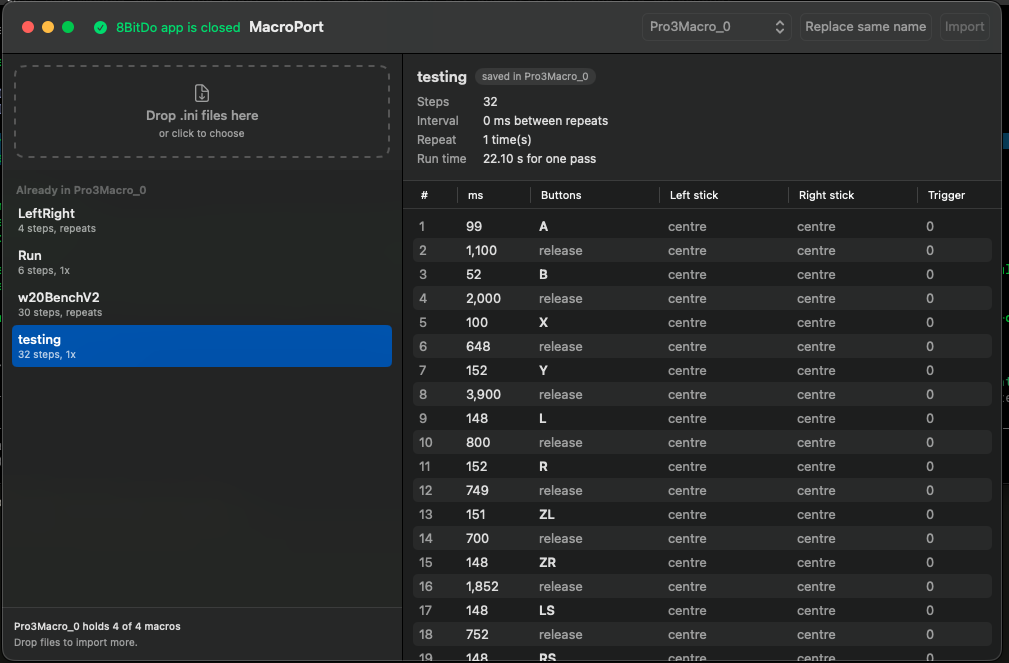
8BitDo’s Windows software saves controller macros to a file. The Mac version cannot read that file, and because of how it is sandboxed you cannot drop one in by hand either. So the macros you built on Windows are stuck there.
MacroPort moves them. Point it at the Windows file and it writes the macros where the Mac app will find them.
Install
- Download the zip and unzip it.
- Drag MacroPort to your Applications folder.
- The first launch is blocked, because the app is signed but not notarized. Open System Settings, go to Privacy & Security, scroll to Security, and press Open Anyway. On macOS 14 you can right-click the app and choose Open instead.