SpaceHog
Shows what is eating your disk, as a list sorted biggest first beside a map of your files.
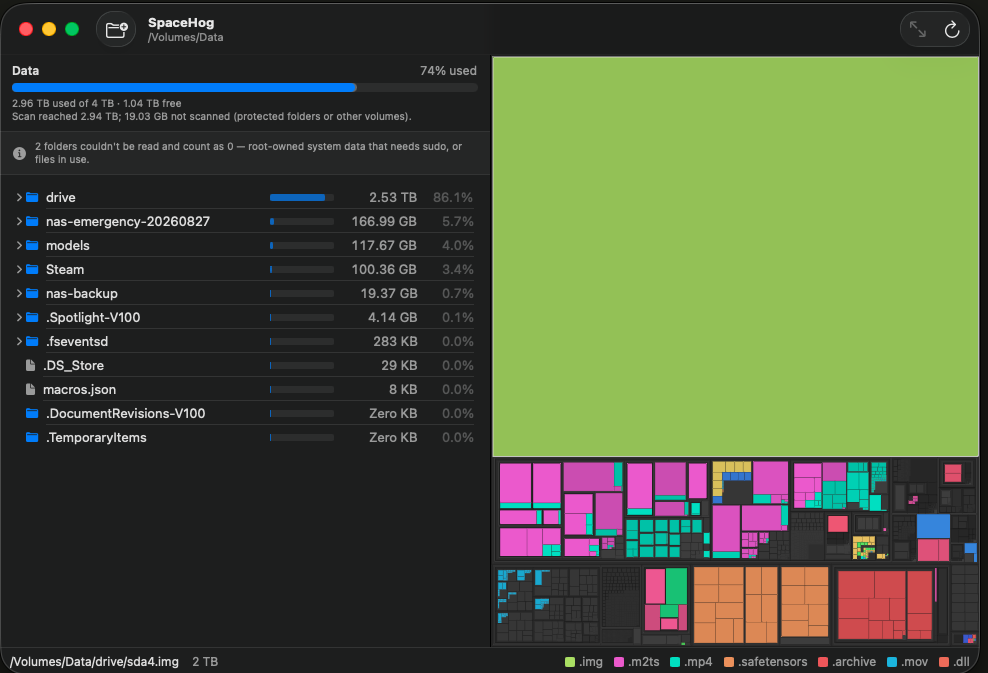
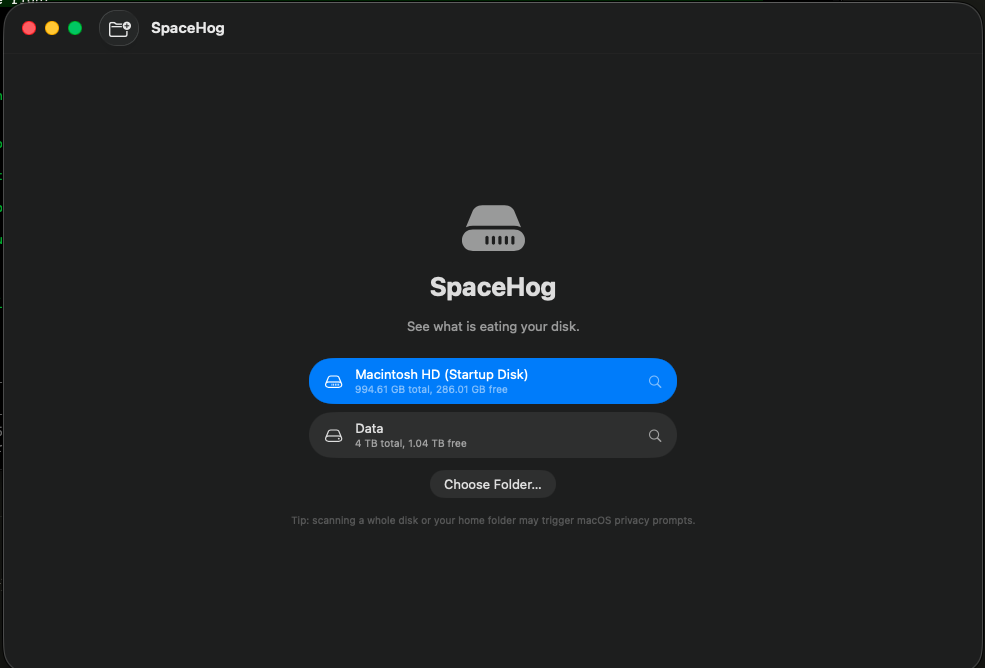
Shows you what is eating your disk. Point it at a folder or a whole drive, and you get a list sorted biggest first, next to a map where every file is a block sized by the space it takes. The 40 GB folder you forgot about is the big rectangle.
It scans fast, a few hundred thousand files in seconds, and it has nothing to sell you.
Install
- Download the zip and unzip it.
- Drag SpaceHog to your Applications folder.
- The first launch is blocked, because the app is signed but not notarized. Open System Settings, go to Privacy & Security, scroll to Security, and press Open Anyway. On macOS 14 you can right-click the app and choose Open instead.
To scan your whole home folder, give SpaceHog Full Disk Access in System Settings under Privacy and Security. Without it, macOS reports Documents, Desktop and Downloads as empty.