TerminalSpace Beta
A terminal built around projects, where a workspace keeps its panes, its folder, and its agent session.
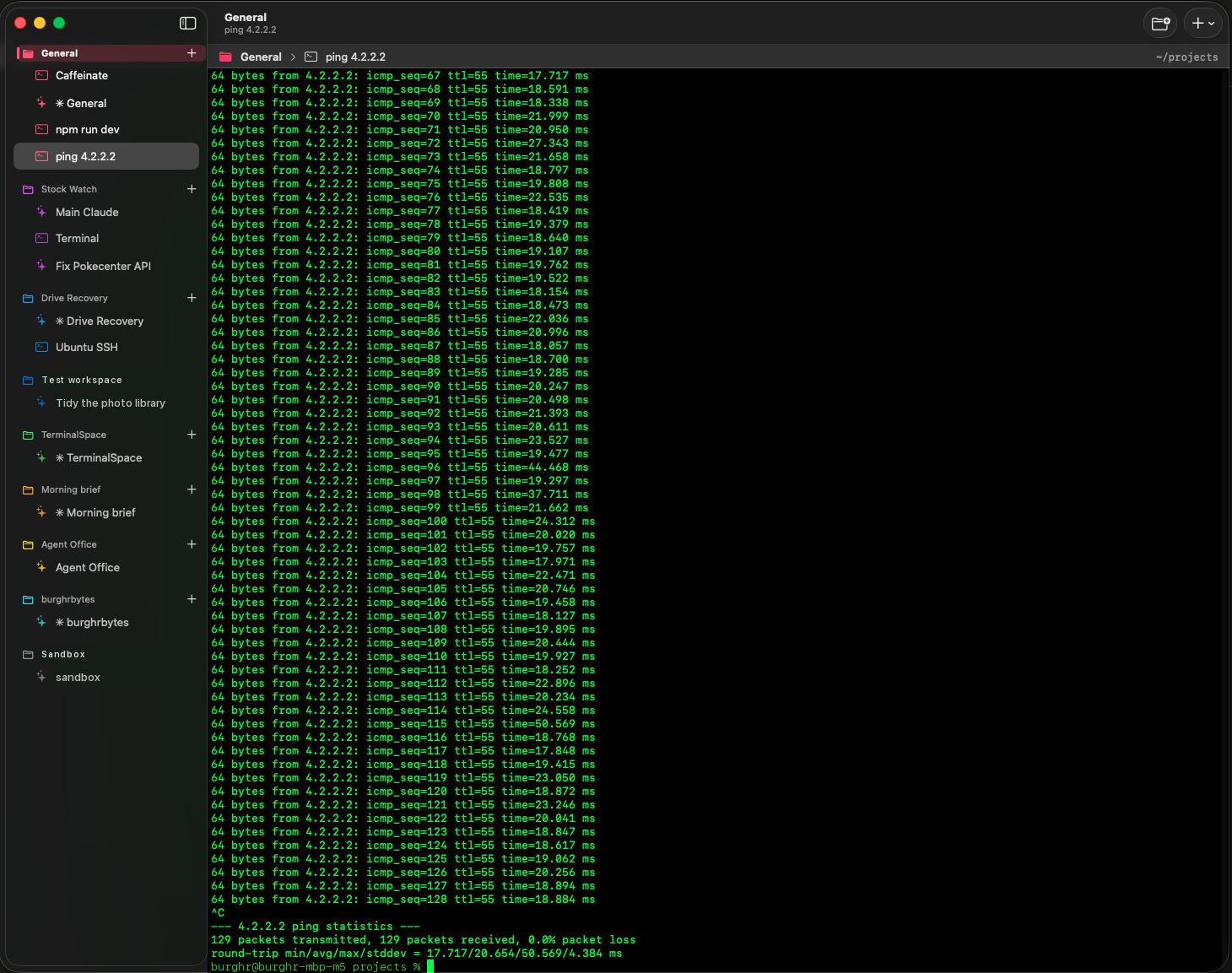
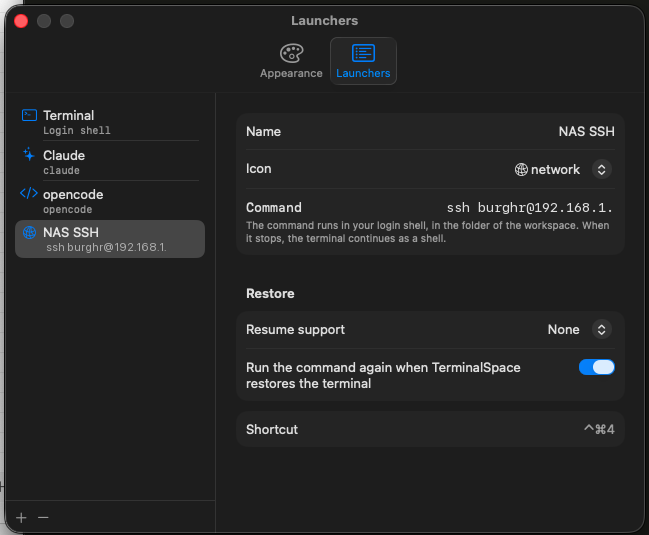
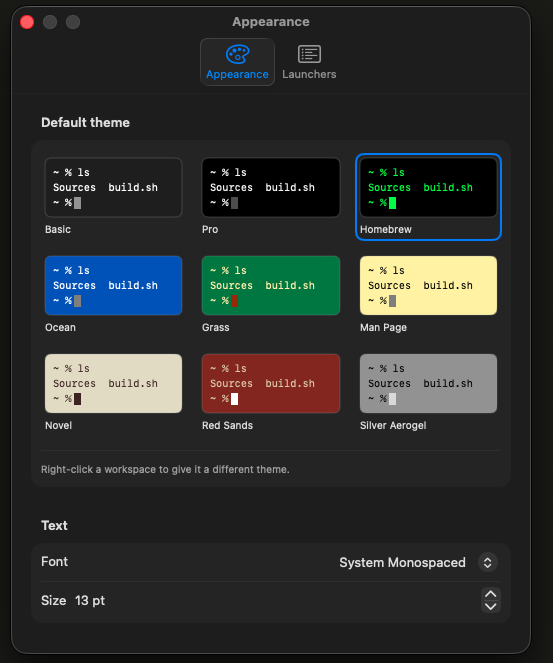
A terminal built around projects instead of tabs. A workspace holds its panes, its folder, and its coding-agent session, and all of it is still there when you come back tomorrow.
Open a workspace and you are where you left off, instead of opening four tabs and searching your shell history for the command you ran on Friday.
Still in beta.
Install
- Download the zip and unzip it.
- Drag TerminalSpace to your Applications folder.
- The first launch is blocked, because the app is signed but not notarized. Open System Settings, go to Privacy & Security, scroll to Security, and press Open Anyway. On macOS 14 you can right-click the app and choose Open instead.